The Productivity Stack: How I Actually Work (and Why It’s a Series)
I've been wanting to make a productivity stack for so long, and I finally have a good excuse to dedicate some time to it!


At the time of writing this, I’m on a Leadership & Management course, and it's become a bit of a running joke that I always mention there's an app for something. I was asked for some recommendations, so I decided to introduce these apps with more detail than a bulleted list.
I started writing this organically, and then quickly realised just how long it was becoming. Trust me, no one has time to read something that long, and so I decided on the much more concise (but time-consuming option for me) of making it into a whole series.
So on this page, you’ll find summaries of everything in the other blog articles, and from there, I’ll link to those other pages.
I hope you discover something useful!
The Productivity Stack: How I Actually Work (and Why It’s a Series)
I’ve been wanting to make a productivity stack for a long time, and I’ve finally had a good excuse to dedicate some proper time to it.
At the time of writing this, I’m on a Leadership & Management course, and it’s become a bit of a running joke that I always mention there’s an app for something. I was asked for recommendations, and rather than firing over a bulleted list, I wanted to explain why I use what I use and how it begins to fit together.
I started writing this organically and quickly realised just how long it was becoming. Trust me, no one has time to read something that long. So I made the decision to turn it into a series instead. Much more concise for the reader, but definitely the more time-consuming option for me.
This page is the starting point.
Below, you’ll find a high-level overview of each part of my productivity stack. Each section links out to a deeper post where I go into the apps, decisions, trade-offs, and mistakes in more detail.
If you’re curious about one specific area, you can jump straight in. If you’re interested in how it all works together, this page should give you the bigger picture.
I hope you discover something useful!
Stack 1: To-Do Apps
This part of the stack is all about movement. Not optimisation for optimisation’s sake, but reducing friction enough that things actually get done.
I don’t believe in a single to-do app that does everything perfectly. Instead, I use different tools for different contexts. Personal life, work, deep focus, and long-term thinking all benefit from slightly different approaches.
In this post, I cover:
- Why a to-do app needs to be satisfying to use
- How I think about to-do lists as menus, not moral obligations
- Why I use different apps for personal life, work, and focus
- The role of commitment, cost, and boredom in sticking with a system
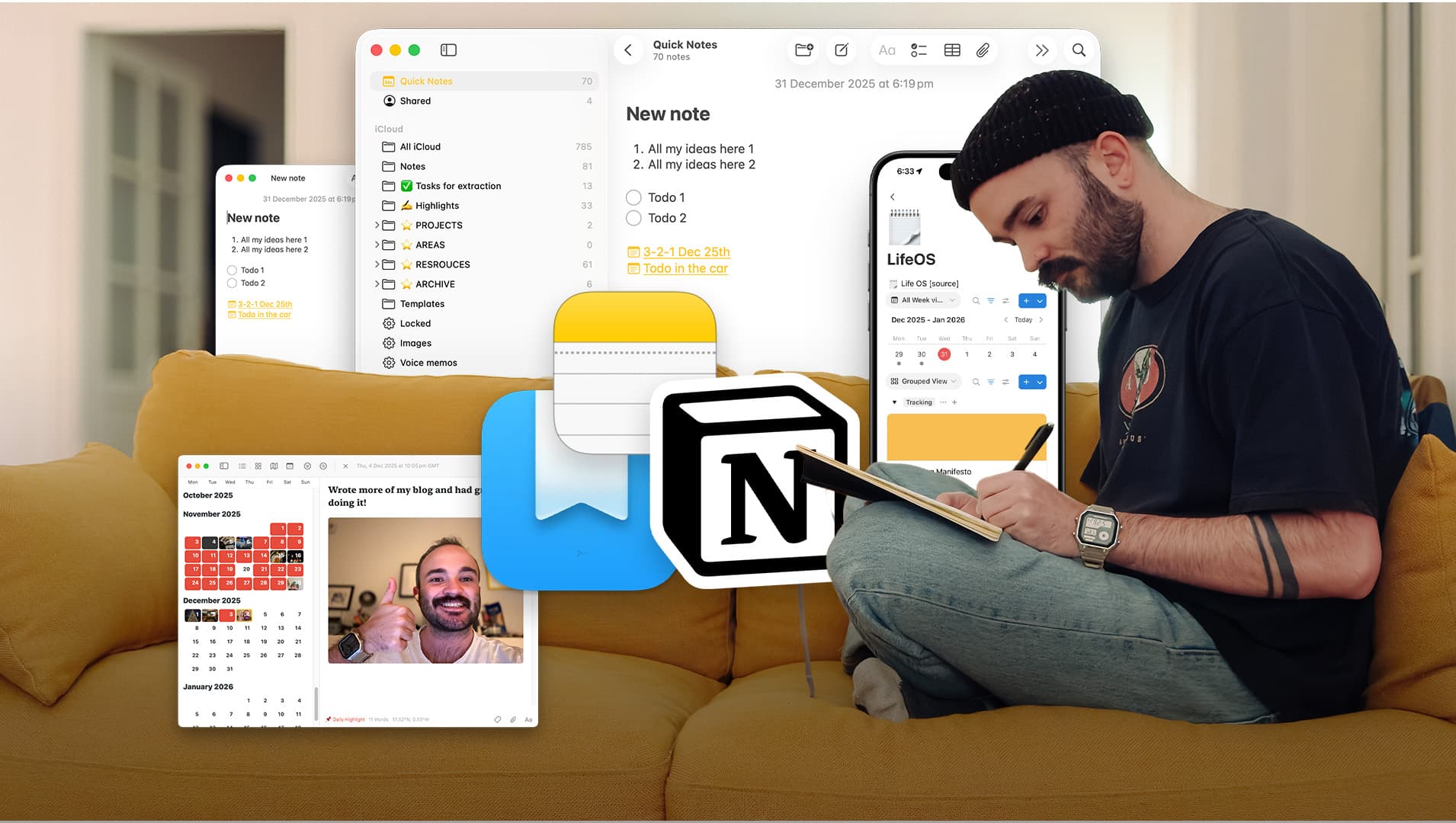
Stack 2: Notes Apps
Notes are where things tend to go wrong for people. There’s a predictable cycle of starting simple, overcomplicating everything, and then realising you didn’t need most of that complexity in the first place.
This part of the stack is about capture, reflection, and memory, not building a perfect second brain.
In this post, I cover:
- The common arc of note-taking systems and why complexity rarely equals output
- The different types of note-takers and how that affects app choice
- Why accessibility matters more than features
- How I split notes between everyday capture, project thinking, and memory-keeping
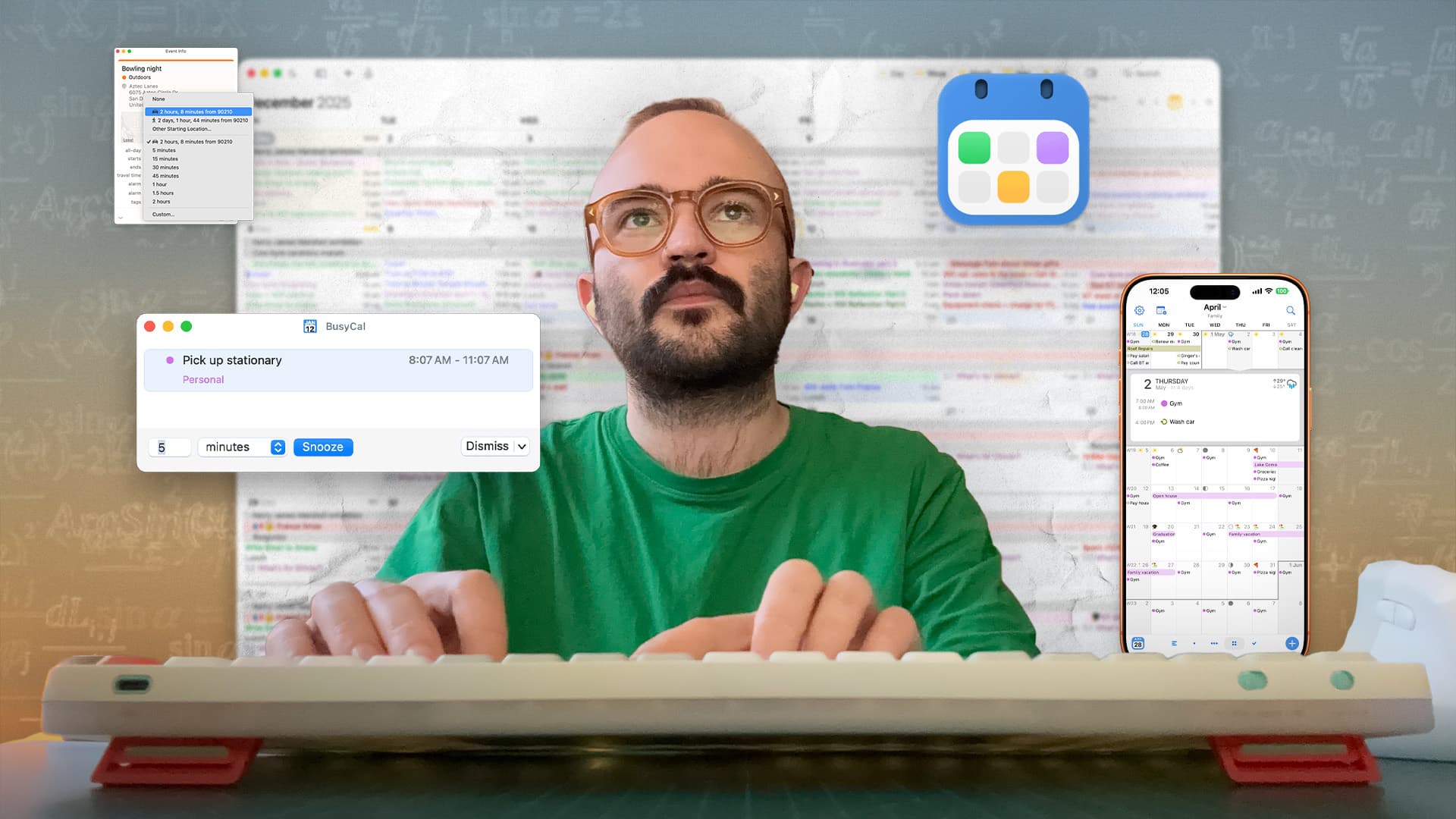
Stack 3: Calendar Apps
My calendar is the backbone of everything else.
What surprised me most over time is that the calendar itself matters less than how you view and interact with it. The same underlying calendar can feel calm or chaotic depending on the interface you choose.
In this post, I cover:
- Why my main calendar is Google, even though I don’t use it directly
- How and why I switch between different calendar apps
- What features actually matter day to day
- Why syncing can be simple or a complete nightmare, depending on how far you take it
Stack 4: Email Apps
Still unavoidable, unfortunately
Email is the one part of the stack most people have a love-hate relationship with. It’s unavoidable, often overwhelming, and deeply tied to how other people work rather than how you’d choose to work.
This part of the stack focuses less on inbox zero and more on control, boundaries, and reducing cognitive load.
In this post, I cover:
- How I think about email as a task manager by default
- What I look for in an email app
- How I separate reading, responding, and storing information
- Why some tools make email feel heavier than it needs to be

Stack 5: Everyday Helpers
This final stack covers the tools that don’t fit neatly into categories like tasks, notes, calendars, or email, but are just as essential to how my setup actually functions.
These are the apps that sit in the background. They reduce tiny points of friction that compound to much bigger advances. All while quietly solving problems you didn’t even realise you had until they were gone.
This stack includes things like:
- Floating timers that keep me aware of time when calendars aren’t enough
- Clipboard managers that work like personal assistants
- Bookmarking tools that stop me from impulse-buying and keep me in the flow
- Visual thinking spaces for when lists and documents completely fail me
They’re not trying to reinvent productivity. They’re not asking you to change how you work. They simply adapt to you, filling the gaps between everything else in the stack.
There we are
This ended up being far more in-depth than I originally planned, and honestly, it probably could have been split into a single, very long post. Instead, I’ve broken it into a series so you can dip in and out depending on what’s most useful to you right now.
Each section above links to a deeper post where I unpack the apps, decisions, and trade-offs in more detail. You absolutely don’t need to read them all in order. Start with the area that feels messiest or most frustrating, and go from there.
If you’re still struggling to find the right tools, I’d also recommend checking out Tool Finder, a YouTube channel and website that groups apps by category. I’ve found it really helpful for discovering alternatives when something isn’t quite clicking.
And finally, I’d genuinely love to hear what you use. It’s fascinating seeing how different people take the same tools and shape them into completely different systems that fit their own workflows.
I hope this gives you a useful starting point.
One final thing before you go…
If you take one thing away from this entire series, let it be this: PARA.
- Projects.
- Areas.
- Resources.
- Archive.
This framework, developed by Tiago Forte, underpins almost everything I do across notes, files, and long-term organisation. You can apply it gradually and imperfectly, and it will still make finding things easier.
If you want to go deeper, Tiago explains it far better than I ever could.
I hope there has been something genuinely helpful in this series.
Speak soon, Will
P.S. I’ve had so much fun creating the thumbnails for this series.