Productivity Stack 4: Email Apps

Welcome to round four of the 2025 productivity stack series! This time, we're diving into the ever-dreadful world of emails… 🙄
Email management is less about finding the perfect app and more about developing the right approach. Unless, of course, you're willing to pay a very high price—yes, I'm looking at you, Superhuman.
This post will be a short one, because if it ain't broke, don't fix it. 🤷
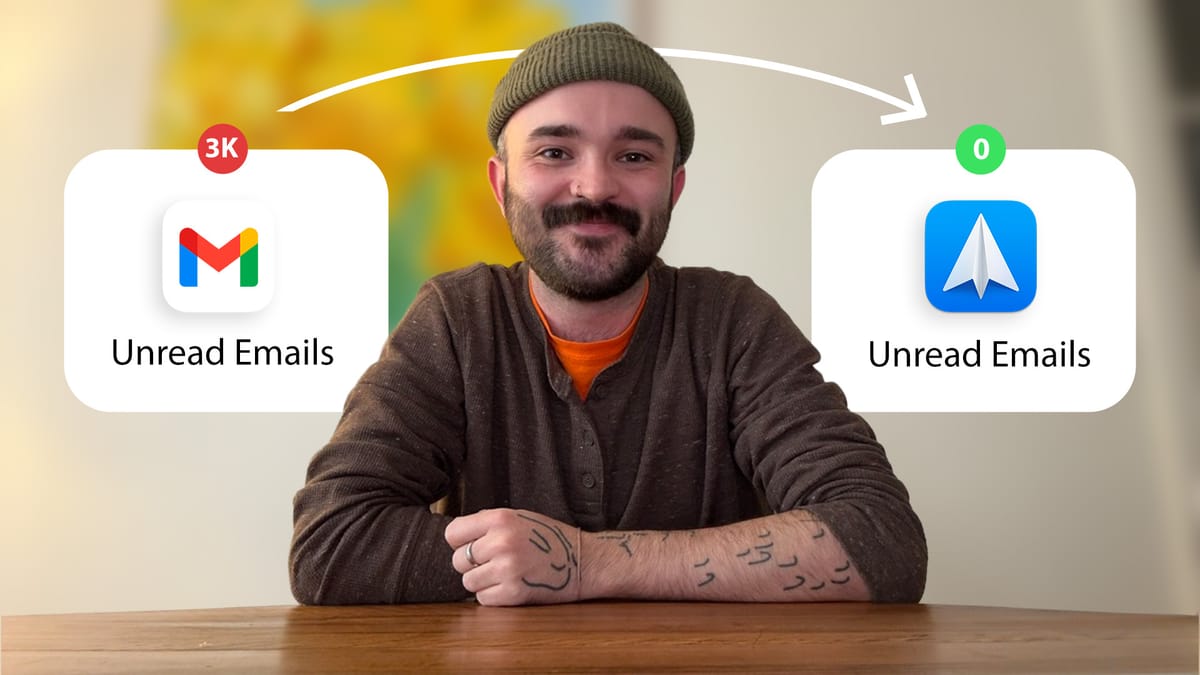
(Though let's be honest, if you have 30k unread emails, that would technically be considered 'broke'.)
Gmail (personal)
I’m not going to explain Gmail to you, you’re probably well acquainted. Gmail is the base for all my emails, which I then link with Spark Mail, but before we move onto Spark, I just wanted to raise this potentially game-changing video… (at least, it was for me)
Gmail has so many hidden features that you probably don’t have turned on. I stumbled across a Jeff Su video that taught me how to get down to inbox zero and actually maintain it. Mind was blown.
It’s to your huge benefit to learn some clever tricks that take off the mental load/burden of emails. It’s a skill we should revisit from time to time, so that we can spend less time doing admin and more time doing the things we love. And yes, I’m sorry to say, that it will probably require an upfront time investment to get it to that point.
Here’s how I’ve split mine up:
- Personal account
- Reading account (for newsletters)
- Shared home account
- Freelance account
- Work account
Spark Mail (advanced personal)
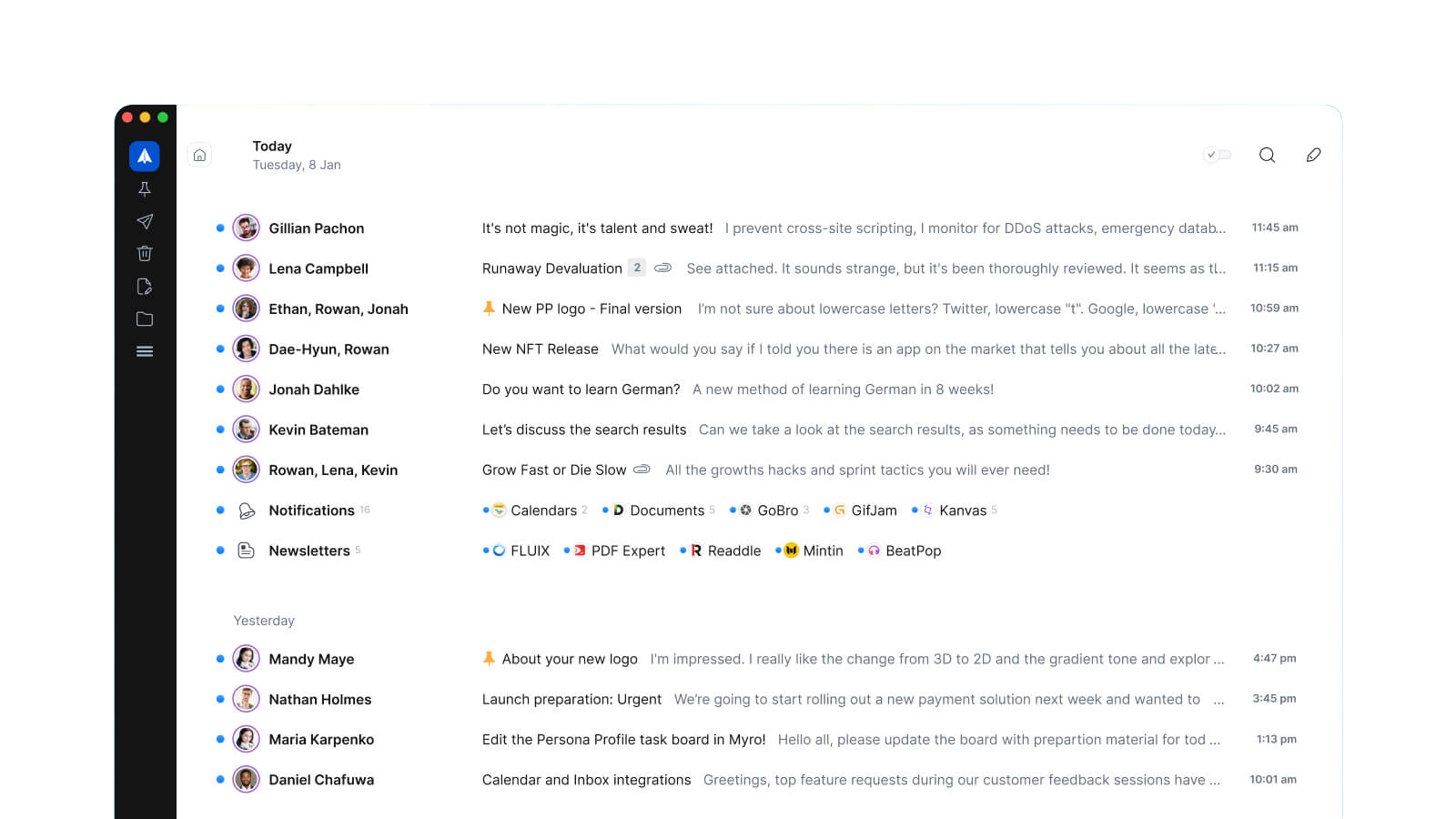
I love this app so much. I’ve been using it for years because it’s so helpful at organising your emails into different views you can easily switch between. It’s so helpful, in fact, that I’ve connected every email account I own to it. To prevent duplicate notifications, I just turn them off completely on this app, and only open it when I’m in sorting mode.
These views really help, depending on the context you’re organising your emails in:
- It’s the morning and you’re sorting through your unread: unread cards
- It’s the end of the day and you want to catch up on a conversation thread chronologically: simple list
- You’ve come back from a trip and need to see the highlights first: focused list
I’m weird, because for some reason I don’t like to reply to emails on Spark (don’t ask why)
Spark is free, although a paid version does exist. And you can get it on any device.
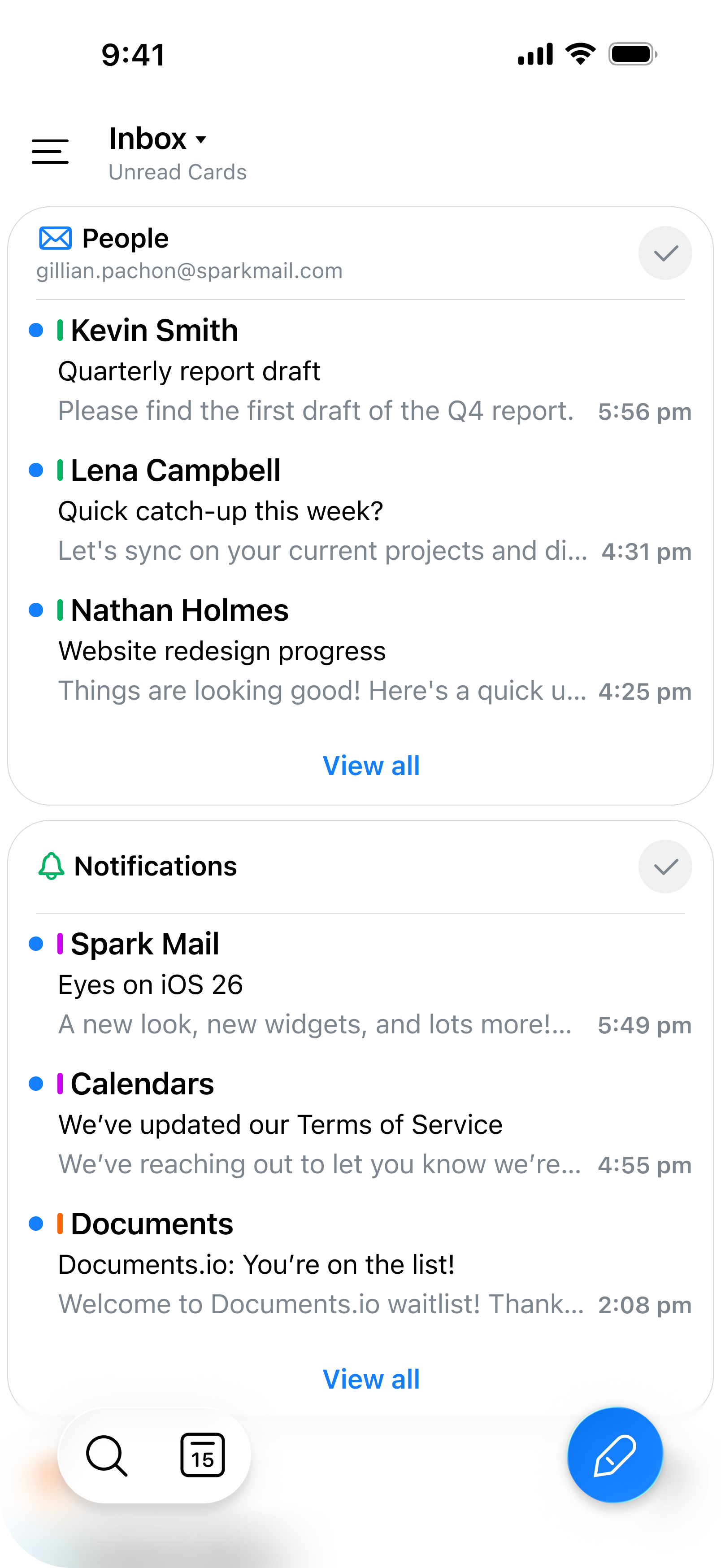
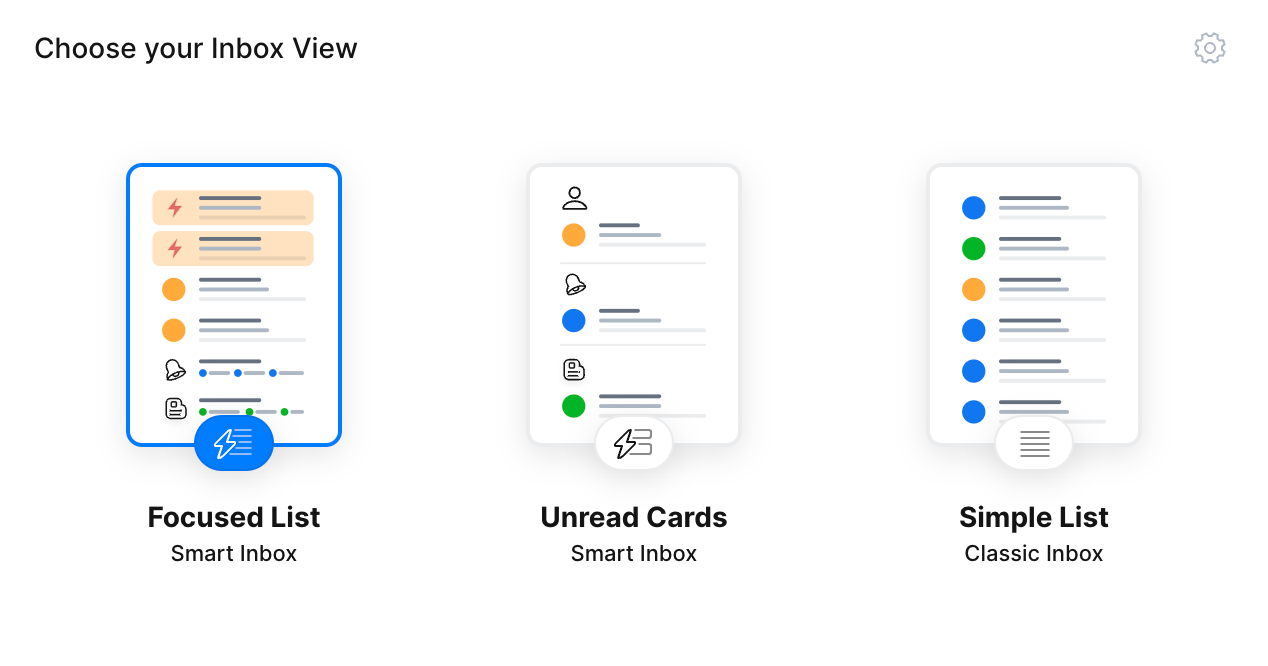
Image credit Spark
 Spark Mail
Zoho Mail (for work)
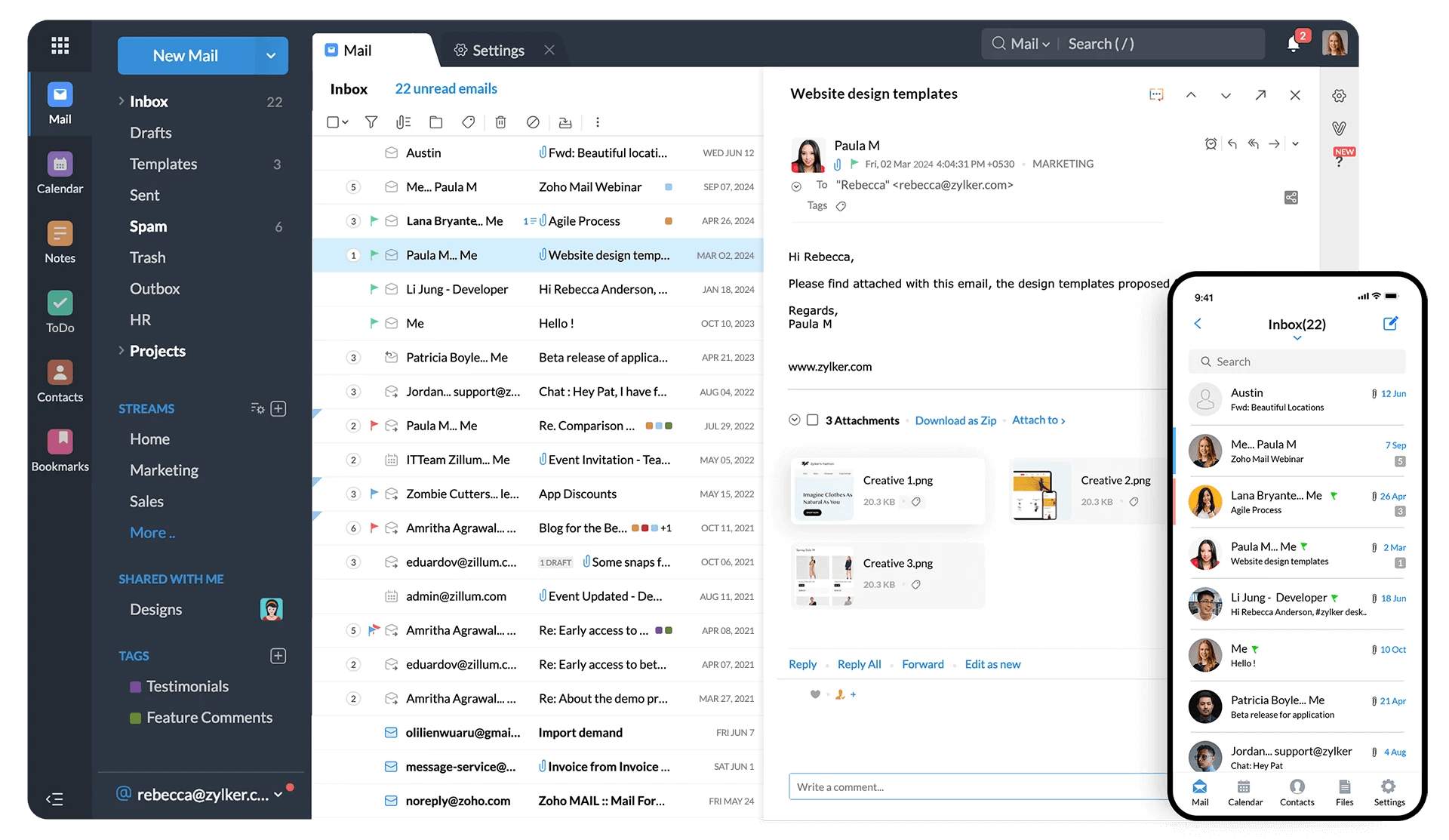
This doesn't really count in my opinion, because I wouldn't choose it 🤣
The main reason I dislike it is how cluttered the interface is - there's too much going on everywhere, all the time. It's probably one of the busiest interfaces I've encountered. That's why I link it with Spark Mail, which feels like the complete opposite.


Notion Mail
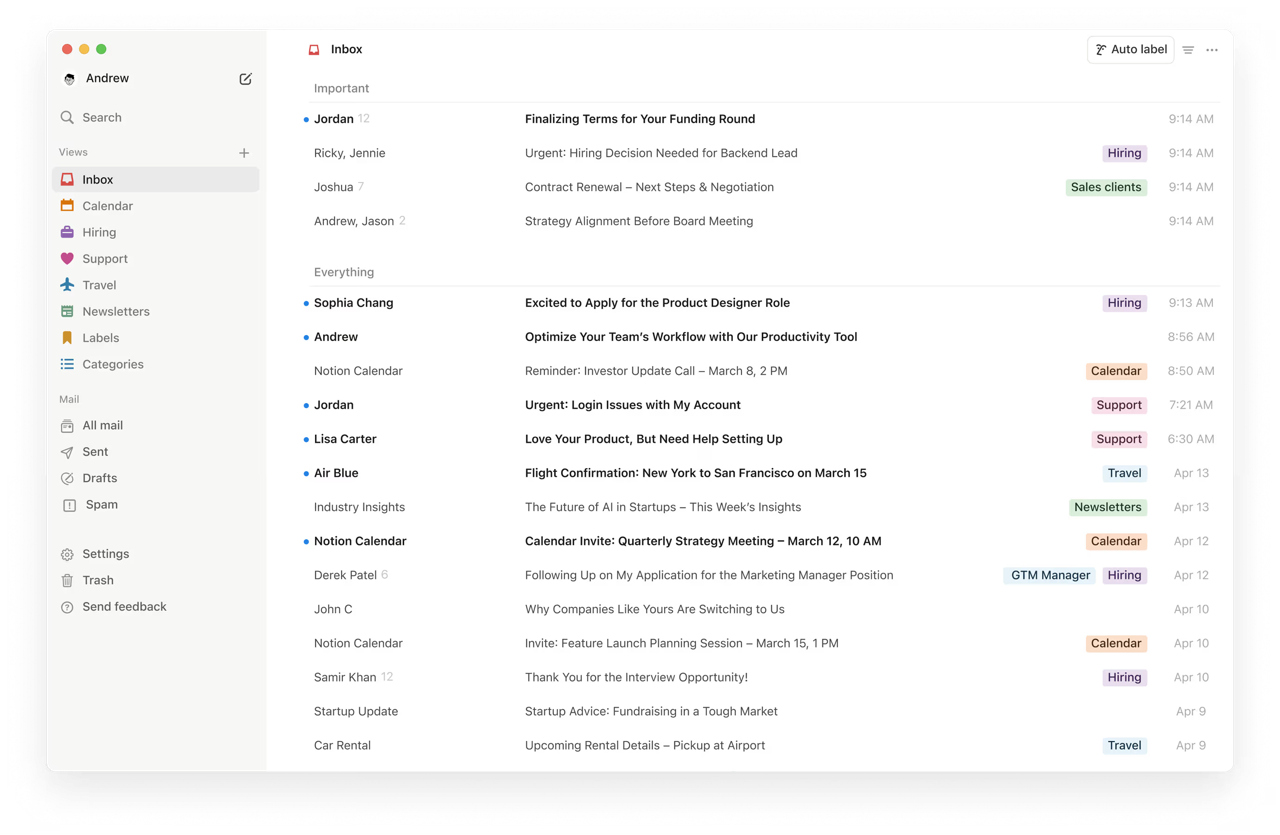
This one is just more of a mention as I haven’t used it apart from doing the initial sign-up.
But in December 2025 I decided to trial Notion Business - I’ve always wanted to use their graphs, so I’m testing to see if it’s worth the long-term upgrade. I also think it’s fun every now and then to limit yourself to one ecosystem. And Notion makes that possible with all three main bases: Notion, Notion Calendar, and Notion Mail.
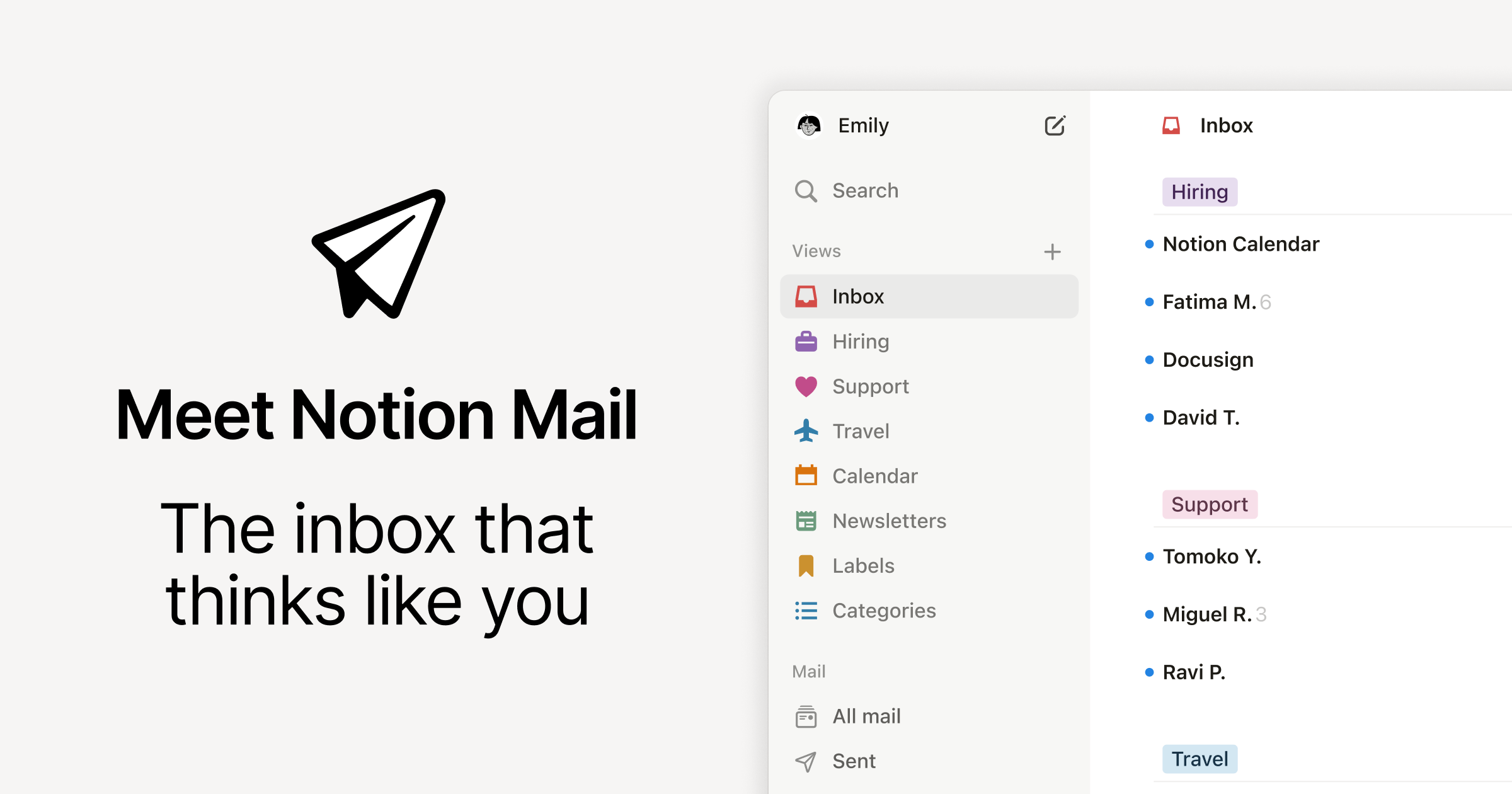
Notion is also just super minimal, and that’s the thing with emails - they’re so distracting, so it feels like a good antidote. An experiment to try in 2026!

Final thoughts
I don’t think as humans we should be checking our email as much as we do, and yet we’ve somehow convinced ourselves that we absolutely have to.
One helpful practice I introduced in 2025 was sorting through my unread email during my weekly review. I initially thought this would help me stay on top of my inbox, but what actually happened was that I ignored my emails during the week (unless something important came in) because I trusted I'd get to everything at the weekend.
It goes without saying that this fluctuates. Right now, I've been ignoring this mindset because we’re so busy, but it worked for a solid part of the year, and it felt really healthy.
Go to Stack 5 → Productivity Stack 5: Browsers
See you in the next one!
Will