Productivity Stack 2: Notes Apps

If you missed the first stack, you can catch up here.
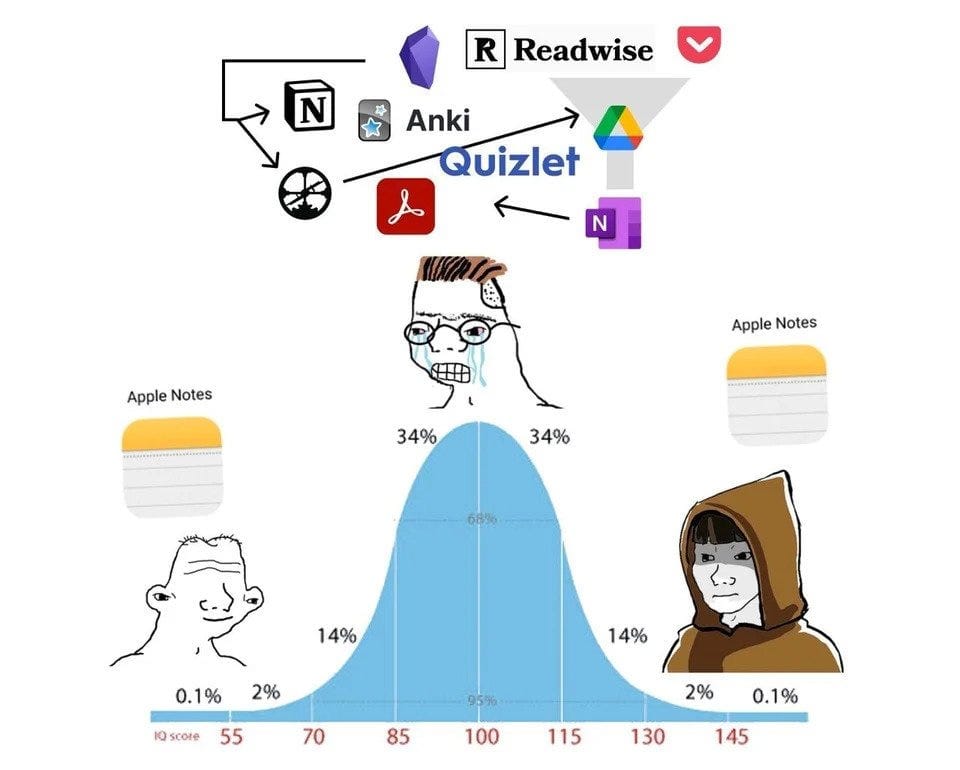
There is a lot of discourse around notes apps. People have very strong opinions about them. I also have a lot to say, but I’ll try to keep this as grounded and practical as possible.
There’s a fairly predictable arc most people go through with note-taking:
- You start with whatever is on your phone by default
- You then venture into more complex apps or systems, which very quickly become far too hard to maintain
- Eventually, you end up back where you started, having realised that all you really needed was a slightly better structure. Complexity didn’t equal output, and the system itself became the distraction
This pattern has been around long enough that it has officially become a meme.
Ultimately,
the best note-taking tool, is the one that’s with you.
This is adapted from photographer Chase Jarvis’s quote, “the best camera is the one that’s with you”, and I think it applies perfectly here.
And yes, this absolutely includes physical pen and paper, which I still use just as much as digital apps.
The type of notetaker you are:
This is worthwhile exploring because it can save you a lot of frustration.
I came across this framework through a YouTube video by Tiago Forte, and it helped me understand why certain apps I shouldn’t really entertain.
Tiago describes four broad types of note-takers:
- The Architect: Enjoys building solid systems. Everything has a place, and the structure itself is the point.
- The Gardener: Lets ideas grow naturally. Notes evolve over time, and connections emerge organically.
- The Librarian: Collects and organises useful information from everywhere, with future retrieval in mind.
- The Student: Keeps things practical and simple, focused on what’s immediately useful without unnecessary complexity.
I’ll be honest, I’m not entirely sure which one I am. Most of us are probably a blend, and it often depends on the area of life we’re working in. But having these categories in mind is helpful, especially when choosing a tool.
Tiago has also written a blog post pairing these styles with recommended apps, which is worth a read if you’re feeling stuck.
If I had to distil all of this down, the most important thing with note-taking is to choose something that is:
- Easy to use
- Minimal
- Fit for your actual use case
- Accessible everywhere
Right. Let’s get into the apps.
Apple Notes
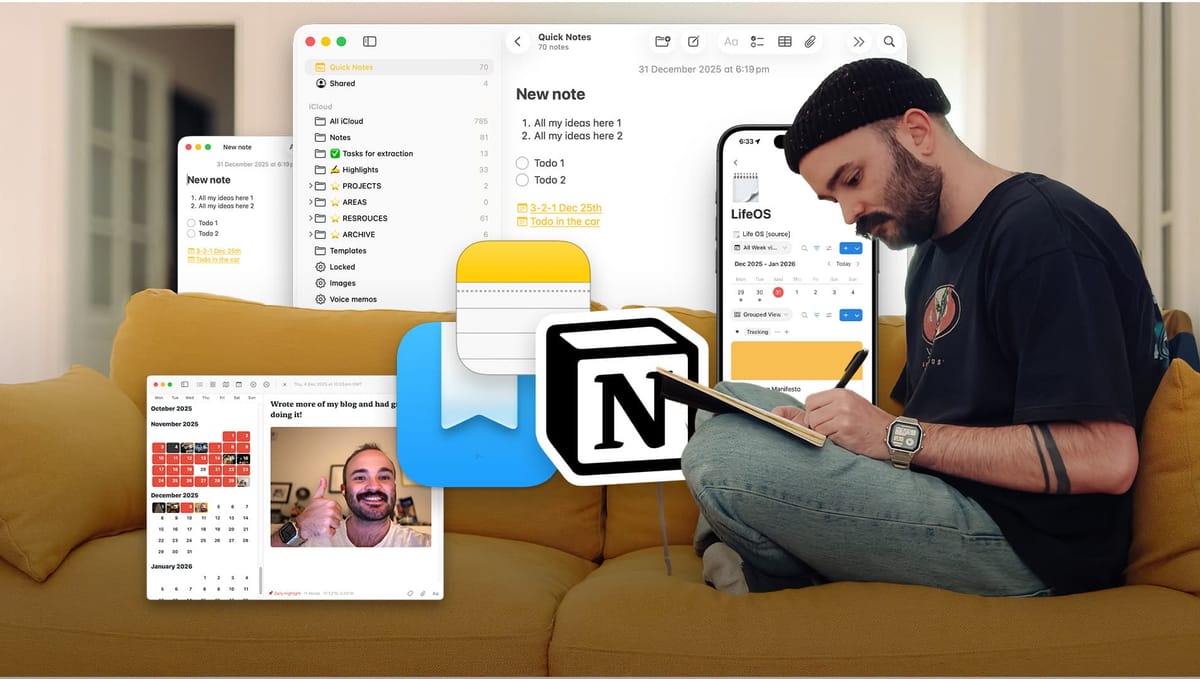
Right now, Apple Notes is my main note-taking hub.
Like the arc I mentioned earlier, I spent a long time not really gelling with it. I struggled, assumed it was too basic, and then went off exploring more complex alternatives. Eventually, I found myself right back where I started.
The reasons I settled on Apple Notes are fairly simple, but together they matter a lot:
- It’s free, whereas most alternatives come with subscriptions
- It’s incredibly quick and responsive
- The design and feature set are minimal
- Syncing across Apple devices is genuinely excellent
- Quick Notes work brilliantly as an inbox
- It integrates well with Apple Shortcuts
- It doesn’t rely on markdown, which most alternatives do
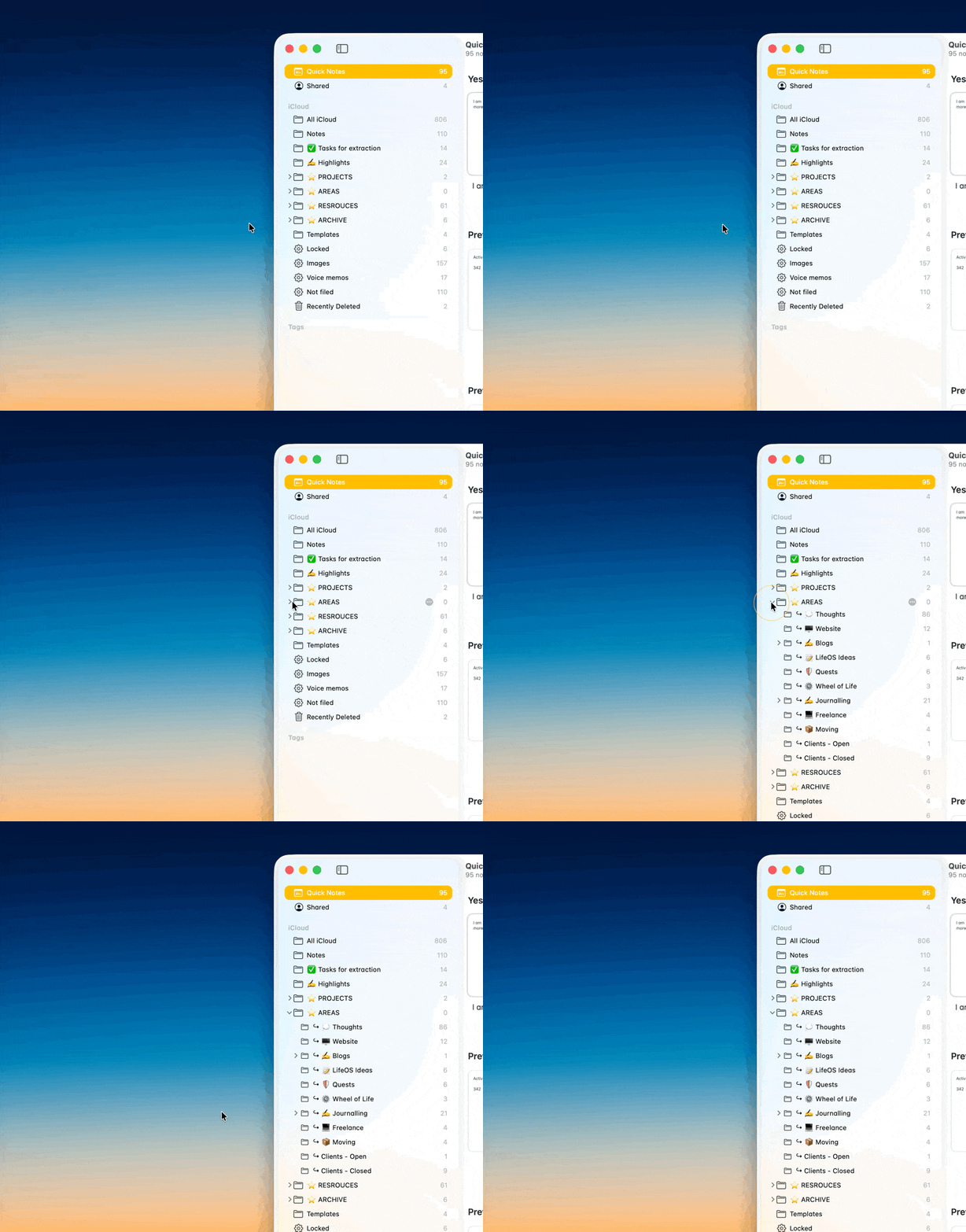
I did have to invest time to make it work for me. Moving a notes system is no small task, and once you commit, it’s worth sticking with it long enough to actually benefit. Ironically, that advice is probably what pushed me to keep searching for alternatives in the first place. But no matter what I tried, I kept coming back.
Other apps I experimented with along the way:
- Google Keep
- Obsidian
- Bear
- Noto
- GoodNotes
- iA Writer
- Twos
- Ufocus
Each of these has strengths, and for some people, they’ll be perfect. For me, Apple Notes hit the balance between simplicity and reliability that I needed.
Notion
Notion technically counts as a notes app, but in practice, it sits across almost every category in this series. To-do lists, projects, planning, calendars, and email. I’m including it here because it does play a role in how I take and use notes.
I don’t use Notion as a traditional notes app. For me, it functions more like project software. The main hub I’ve built is something I call LifeOS, which I use as a weekly calendar view. Within that, I create a series of notes that form a kind of timeline. Morning manifestos, daily debriefs, weekly reviews (this is all inspired by Ali Abdaal’s LifeOS system/course, and I’ve added some of my own).
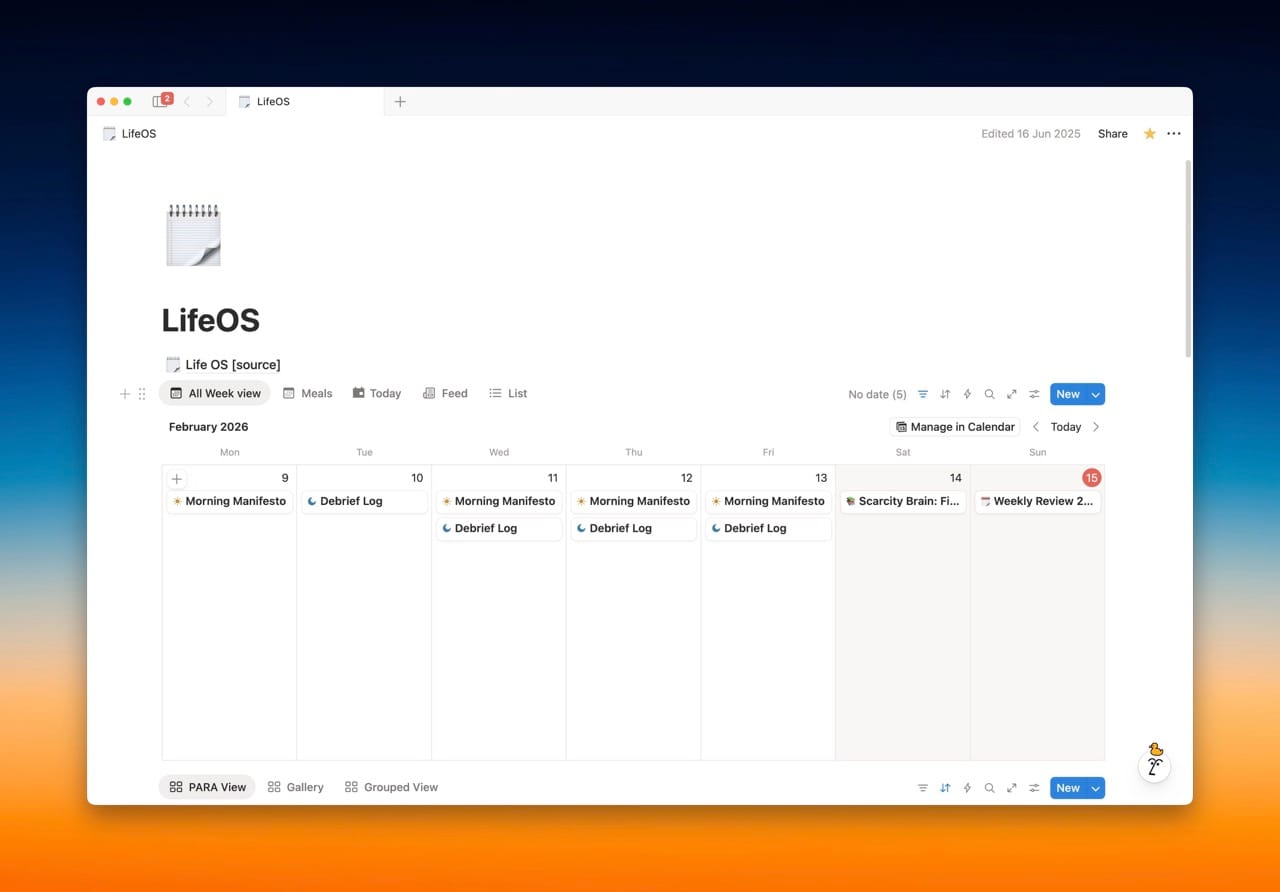
This works well because I like seeing those notes in sequence, rather than buried in folders (how I use Apple Notes).
That said, Notion is not for everyone.
Reasons it might not be for you:
- There is a learning curve at the beginning
- It’s extremely easy to overcomplicate
- No offline access on the free plan
- It’s not especially well optimised for mobile, which is often where you need things most
- You want to dump notes/ideas fast
- You mainly plan to use it on your phone. Notion mobile really isn’t that great.
If you are going to learn Notion, using it as a very basic notes app is actually a good place to start. It helps you get comfortable before diving into databases, templates, and more advanced setups.
It’s also worth saying that Notion is popular for a reason. There is a huge community around it, and no shortage of tutorials, templates, examples, and inspiration.
Day One
Day One is where I keep my daily highlights.
I started this practice in 2025. Each day, I document one thing I want to remember. Sometimes it’s something significant, sometimes it’s completely ordinary. Where I can, I pair it with a photo from that day. The app automatically surfaces images you took, which makes this easy.
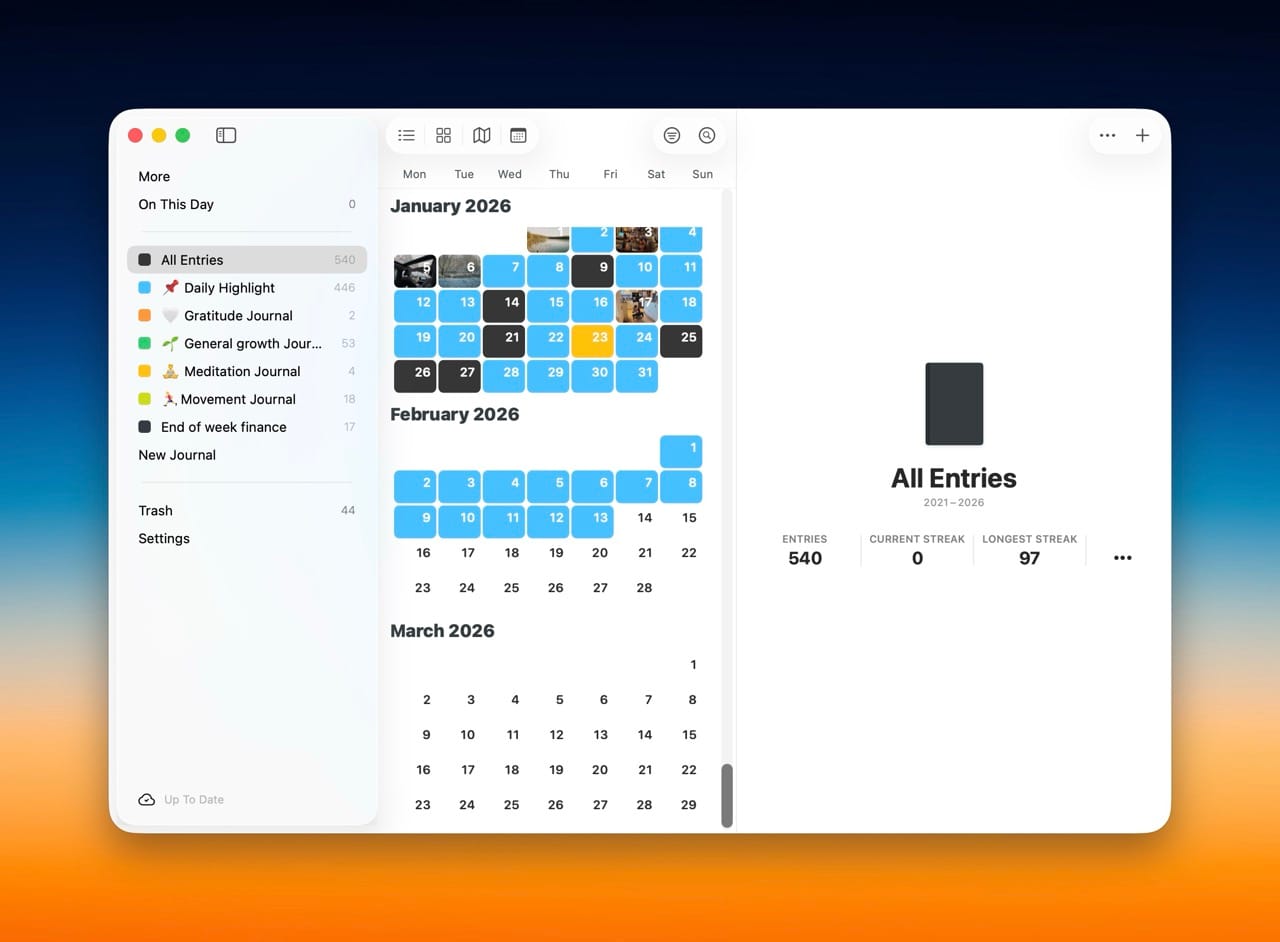
If you’ve ever had those notifications reminding you what you were doing two years ago, it’s a bit like that, but more intentional and reflective.
Day One is often used as a traditional journal, and it works well for that. Unlike pen and paper, though, it allows for templates, search, and long-term organisation.
A free alternative is Apple’s Journal app, but development has been fairly slow since its release in late 2023. Day One costs around £30 a year, which is not nothing, but for me the joy and value it brings easily justifies it.
I’m genuinely excited to see how this archive builds over time. I’ve even gone back to previous years to add entries for dates I remember clearly.
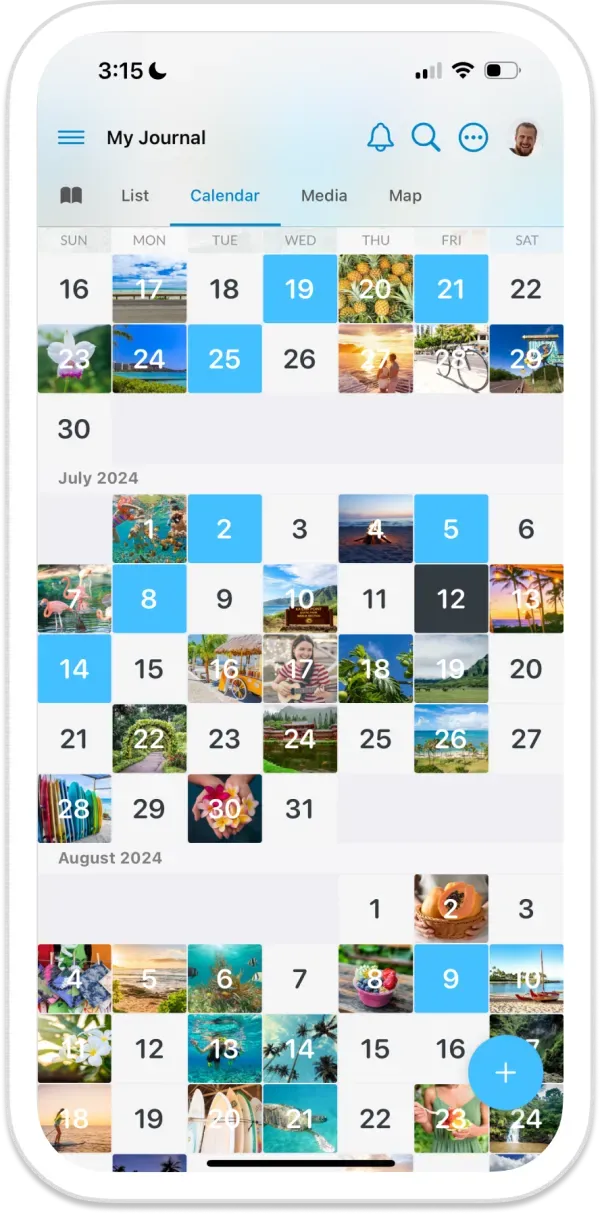
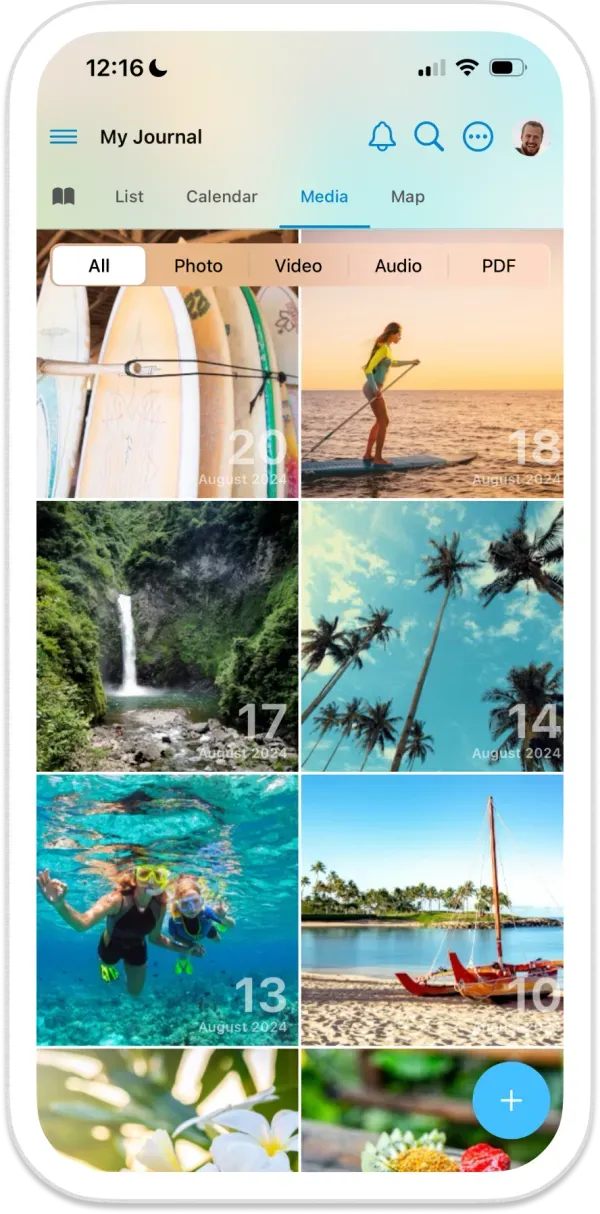
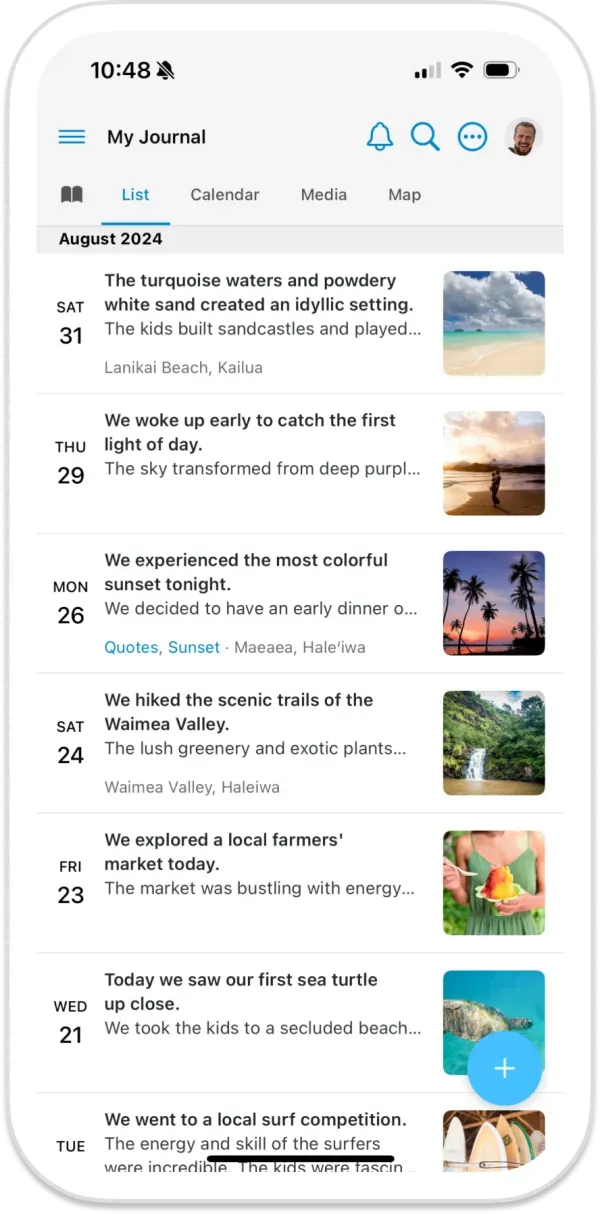
Images from the Day One website displaying the different viewing modes
Final thought
Chances are, what you already have is probably good enough. You might just need to explore the features a bit more and apply some structure.
A system I come back to again and again is the PARA method, developed by Tiago Forte:
- Projects: Things with a clear outcome that you’re actively working on right now.
- Areas: Ongoing parts of your life or work that need regular attention but don’t have an end date.
- Resources: Reference material, ideas, and notes you might want to return to in the future.
- Archive: Anything that’s no longer active, but still worth keeping for context or record.
This can be applied almost anywhere. Notes apps, Google Drive, iCloud, and external hard drives. It even works surprisingly well for organising photo libraries.
Tiago has written an entire book on this, but if you want a more condensed version, his video overview is a great place to start. And yes, I highly recommend investing time exploring this concept - it could transform your digital organisation and make that area of life a lot easier!
So far, we’ve covered the tasks that keep things moving and the places to store our great ideas, but now let’s move on to our most valuable resource - time.
Go to Stack 3 → Productivity Stack 3: Calendar Apps
See you in the next one,
Will