Productivity Stack 1: To-do Apps
Arguably, the most important app for productivity and getting things done?

A to-do app should be satisfying to use. I have gone through many already, and while some of them are incredibly feature-rich, they are also, frankly, quite boring. That boredom kills my enthusiasm for using them, which then makes it much harder to integrate the app into a daily workflow in any meaningful way.
If I do not enjoy opening the app, I simply will not use it. And if I am not using it, the system fails, no matter how clever it is.
“Your mind is for having ideas, not holding them.” – David Allen
I couldn’t agree more. I treat my to-do list like a menu of everything I could do, rather than a strict set of orders. Each day, I pick what appeals to me in that moment, much like choosing a dish at a restaurant. The important part is that I am choosing deliberately. The list is meant to be cherry-picked, not treated as a moral obligation for the day. Once it starts to feel like everything I should be doing, it becomes overwhelming, and that is usually when I just end up avoiding it altogether.
How easy it is to make that choice depends entirely on the app, its features, and how you structure your projects within it. This is obviously very personal, but here is what currently works for me.
Things 3 (for personal use)
I have been using Things for the past five years, and it has become the mega-menu for my personal life.
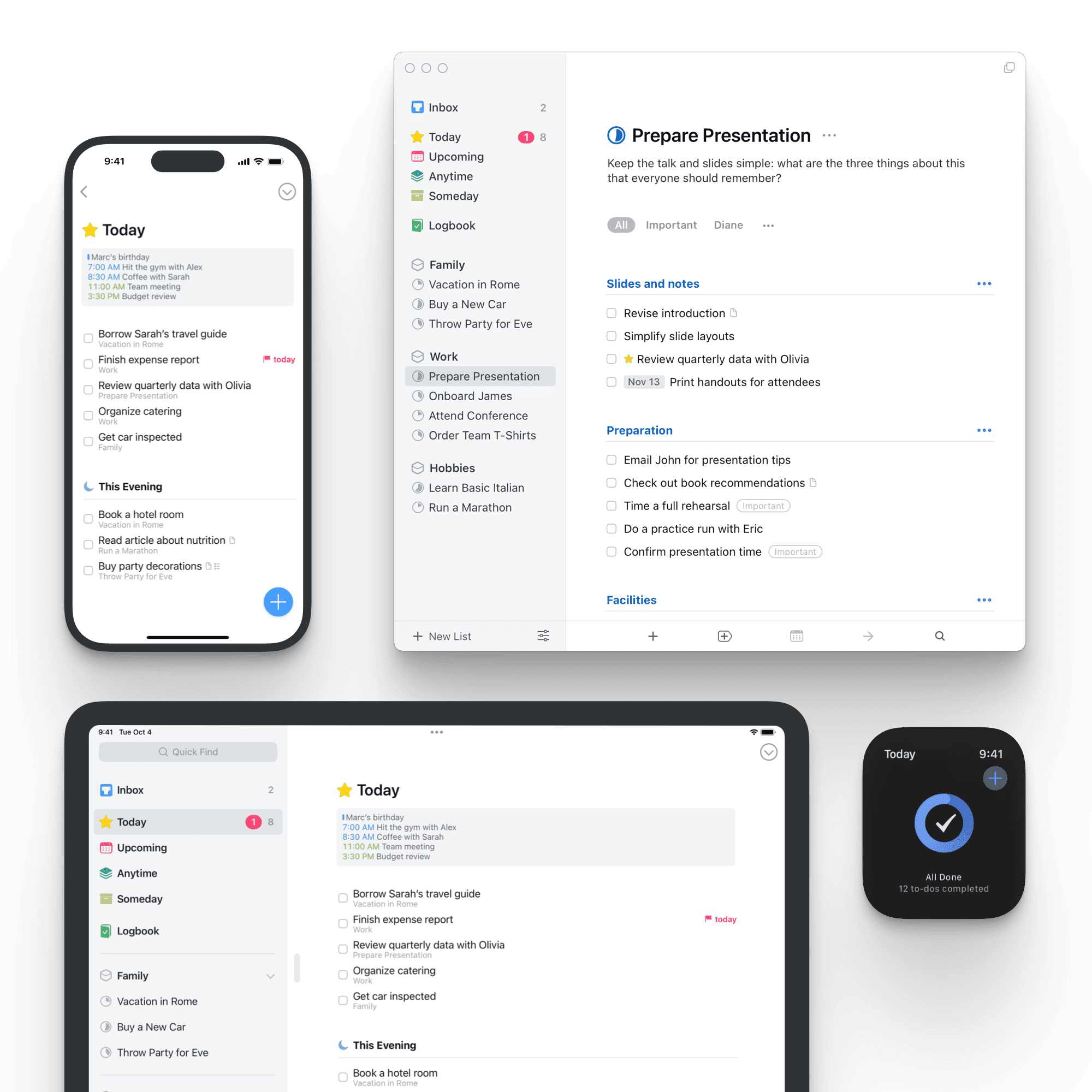
What I like most is the minimalist design and how satisfying it is to use. It is very popular, at least in the online circles I move in, and I think that popularity comes from how well it hides its complexity. Advanced features are tucked away, which creates a distraction-free experience. It reminds me of how Pages offers much of the same capability as Word, but with a cleaner and calmer interface.

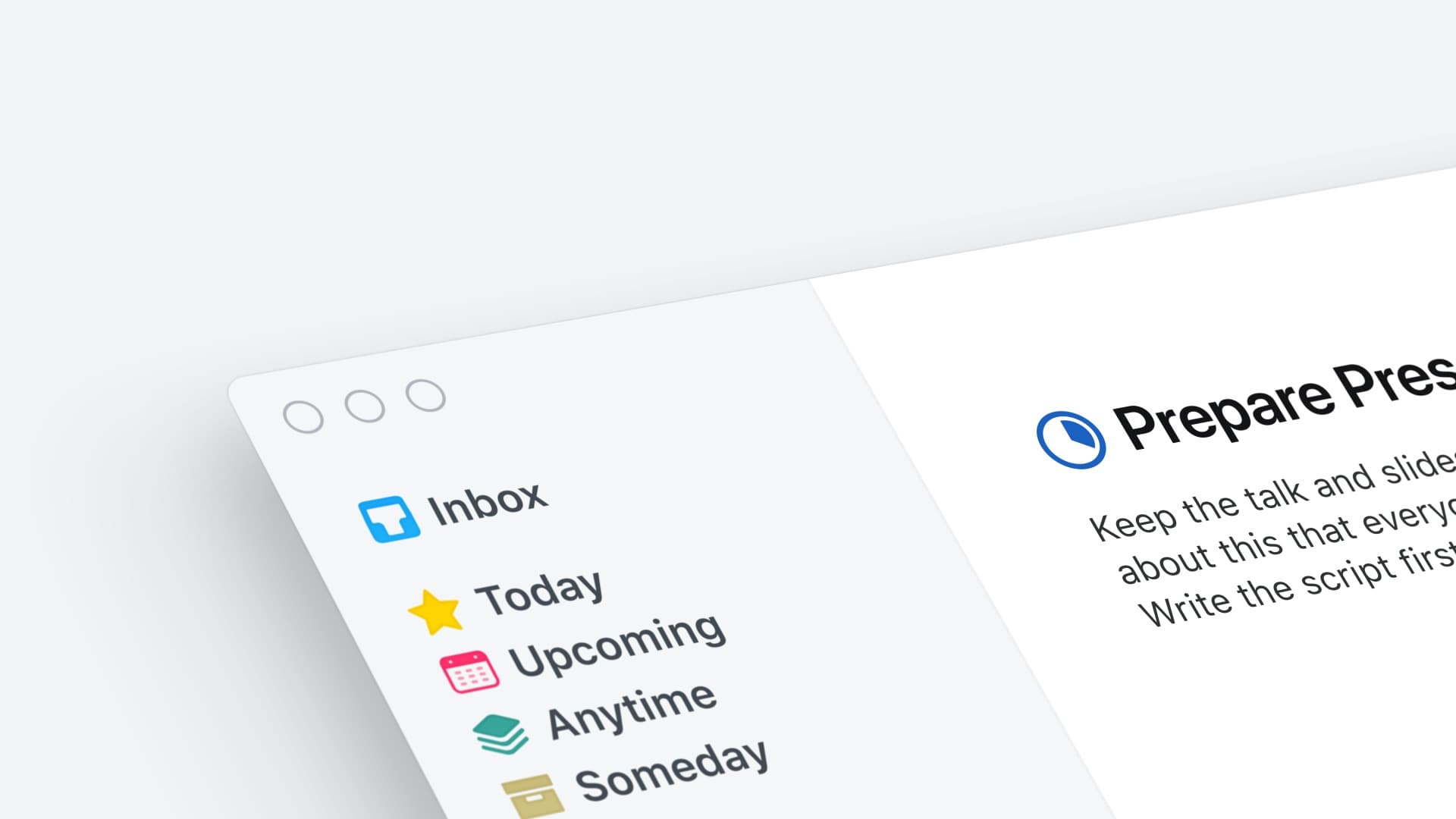
The developers also do not release updates very often. It feels more like refinement than reinvention, similar to how the iPhone or something like the Porsche 911 evolves slowly over time rather than changing direction every year.
It sits in a sweet spot. More advanced than Apple Reminders, but not bloated with features I will never touch. There are things that annoy me, but that is true of every app I have ever used, so I have made peace with them.
Things that bug me about Things (lol):
None of these are dealbreakers, but they are worth knowing about.
- You cannot reorder tags, which makes them feel oddly fixed
- I wish you could colour tags to create stronger visual groupings
- Dates display as countdowns rather than actual dates, which my brain does not process well
- Tasks feel visually small, and I sometimes want more space to think
- I wish you could also attach images to a task
- Smart lists
- Archiving lists
The most helpful feature:
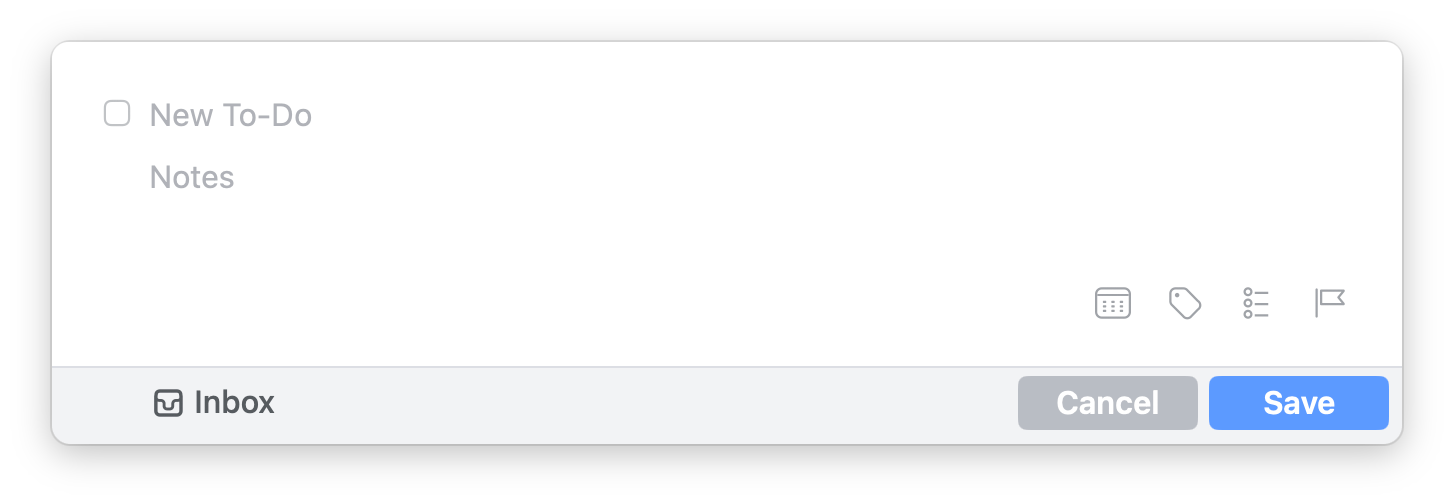
This pop-up window, known as Quick Entry, lets me capture tasks from anywhere on my laptop using a simple keyboard shortcut. I do not need to leave what I am doing or context-switch into the app. I can just dump the thought and carry on.
This was genuinely game-changing for me. Once you get used to capturing ideas without friction, it becomes very hard to go back.
It costs money, yes, but that was actually a benefit (weirdly)
I used to jump between to-do apps constantly. Then I bought Things. Each platform has a one-time cost, but it is a lifetime purchase.
At first, the price felt like a downside. Over time, I realised it was doing something useful psychologically. Because I had paid for it, I was far more willing to put the effort into making it work properly. When I feel like I have outgrown it, I now stop and investigate why instead of immediately switching to something new.
I have learned, through many failed attempts, that switching apps rarely solves the problem.
The cost creates a small sense of commitment. Abandoning it would feel like wasting money, and that friction is enough to keep me engaged and reflective about how I am using it.
Right now, I am actually in a phase of revisiting how I use Things. I have learned to see this as a cycle rather than a failure or end point to reach. Every few months or so, life changes, and the system needs to adapt.
Griply (for big life areas)
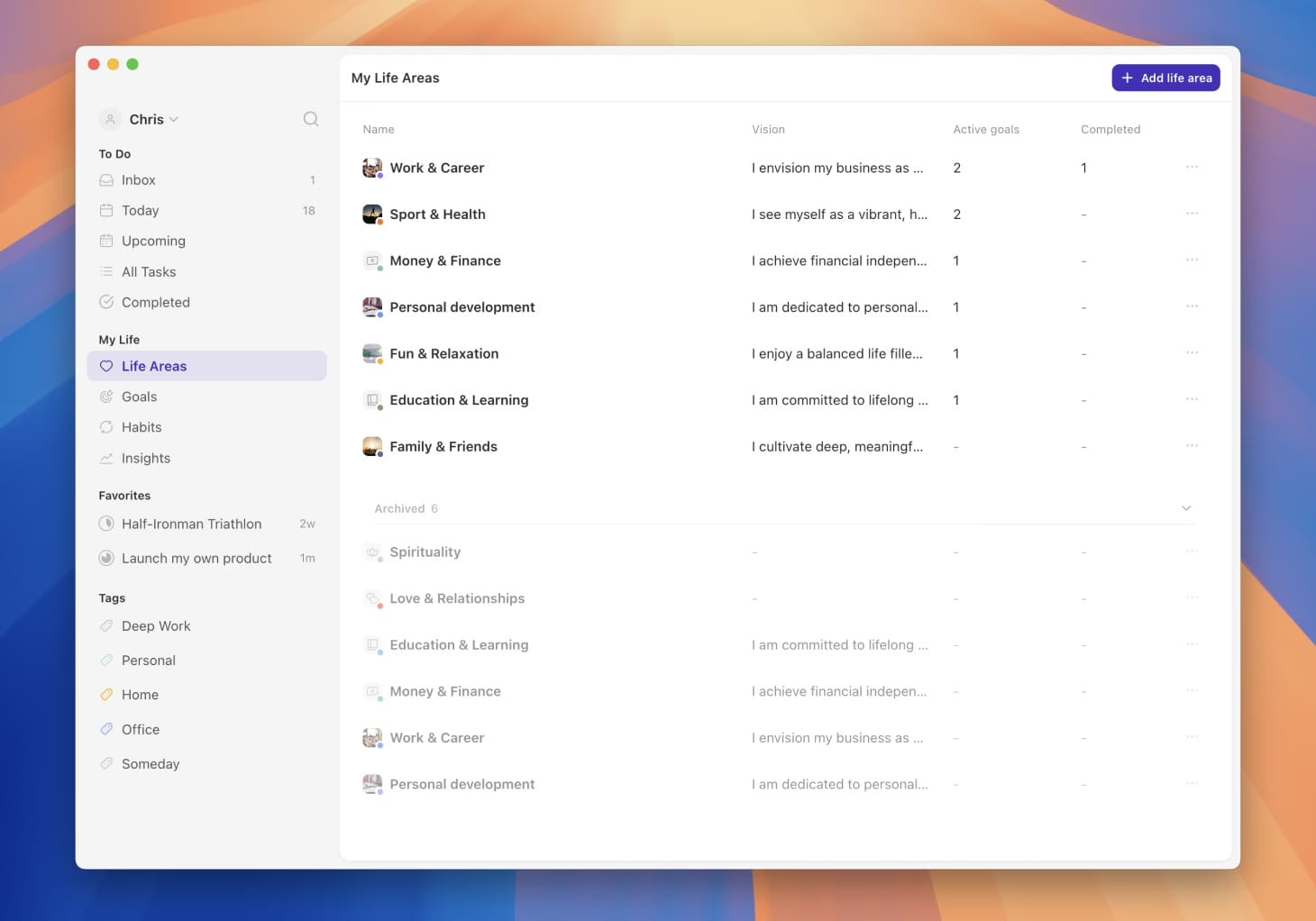
I discovered Griply earlier this year, and I use it for big life areas and long-term goals, which is exactly what it was designed for.
When the app launched, they offered lifetime memberships to early users, and I jumped on that. I do not use this app daily, and I am still finding the right balance to avoid overwhelm. Because of that, I cannot confidently say whether it is worth the ongoing cost for everyone, although they do offer lifetime options.
Much like Things, this is an app I know I want to stick with. I started out very minimal, realised how powerful it was, and then promptly dumped far too much into it. That was overwhelming, but also a useful lesson. I have since been removing the bloat and simplifying.
 Griply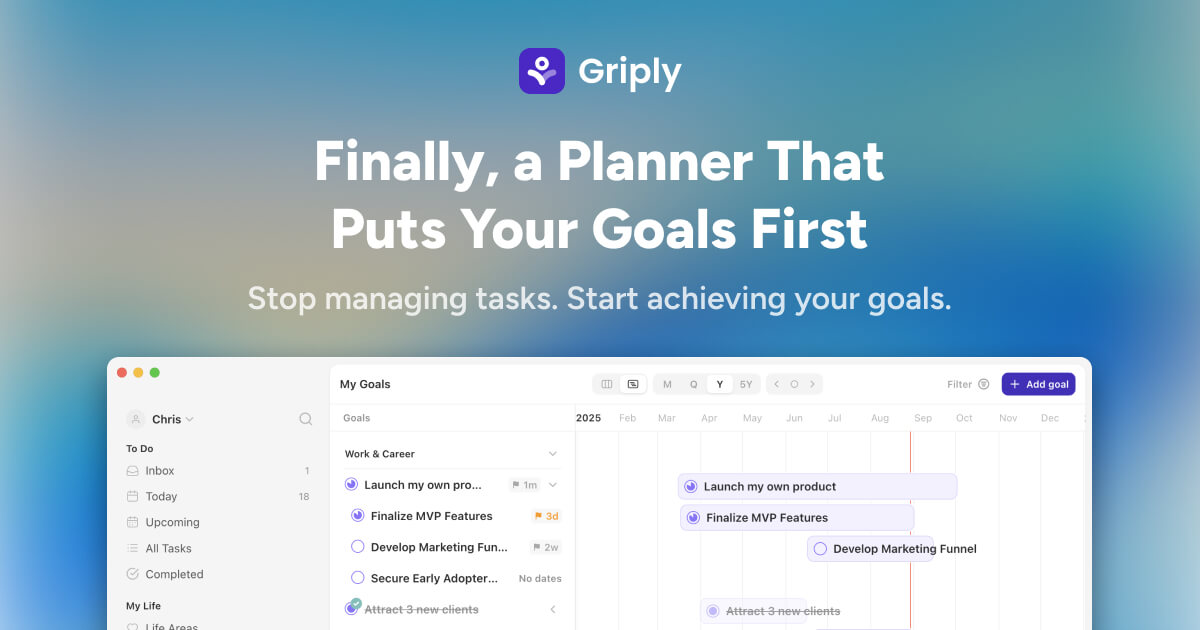
One of its best uses for me this year was tracking my reading challenge. It handles projects, habits, and life areas really well. It shines when I am zoomed out and reflecting rather than deciding what to do next in the moment.
That said, I do think it tries a little too hard to also be a daily to-do app. Accessing things quickly is not always intuitive, which is why I mainly use it during quarterly review sessions rather than day to day. That makes it harder for me to recommend it as an all-in-one solution, even though I genuinely value it.
TickTick (for work)
I used TickTick years ago before moving to Things, largely because I preferred the aesthetics. Recently, I moved back to it for work.
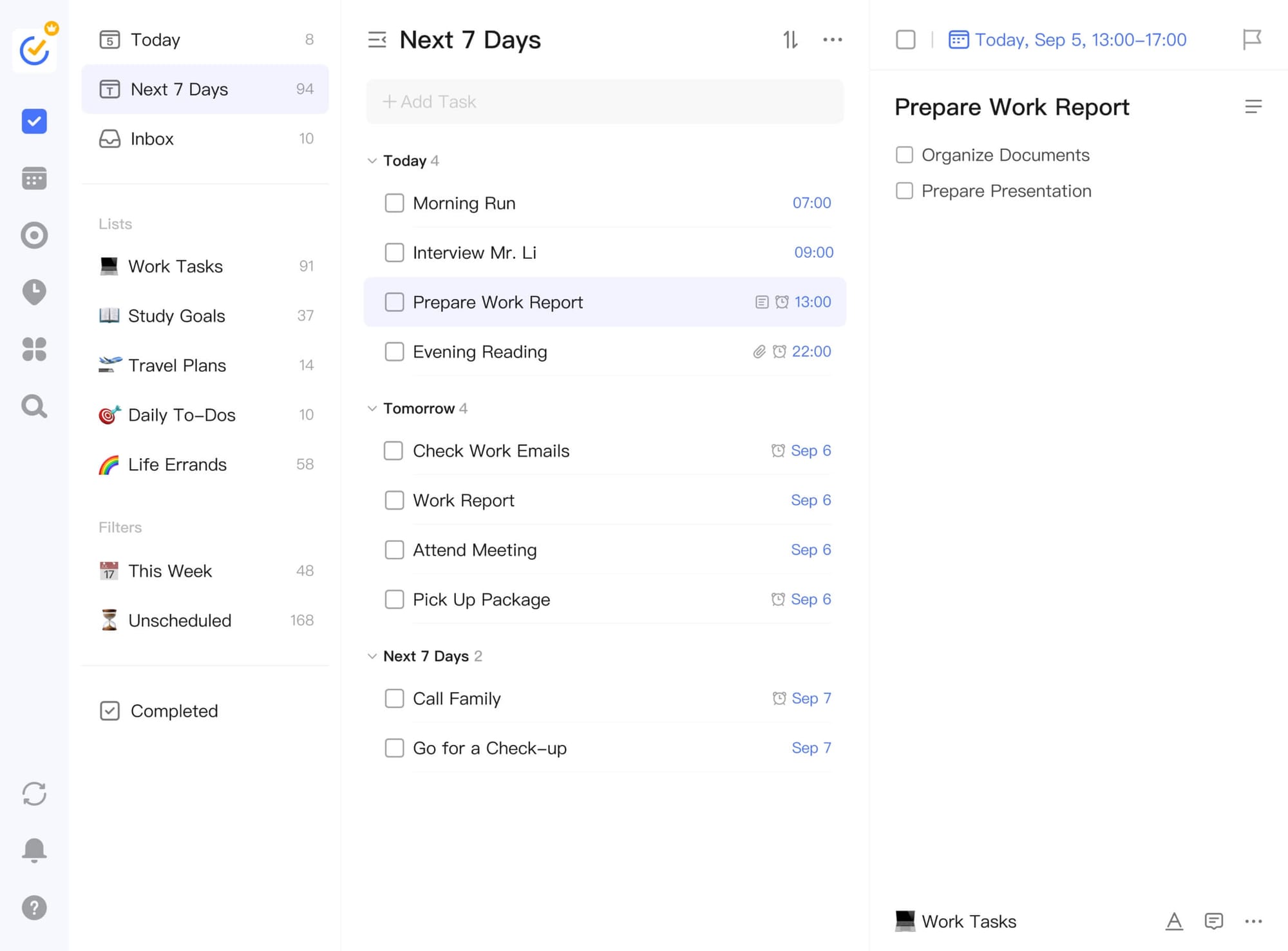
It is more boring and less satisfying to use, but it is also free and extremely feature-rich. For work tasks, that trade-off feels fair. There are limitations on the free plan, but I have found ways to work around them.
It is popular for a reason. You get a lot without paying much. The paid version is inexpensive and feels justified if you need the extra features.
 TickTick
I returned to TickTick because my Notion-based dashboards had become an overcomplicated beast. Sometimes you do not need a beautifully interconnected system. You just need to see what needs doing and get on with it.
Unique features worth mentioning:
- Calendar view where tasks behave like time blocks
- Sticky notes to hover on your screen
- Eisenhower Matrix
- Great habit tracker
It is also available across most operating systems, which makes it practical for work contexts.
Blitzit
I discovered Blitzit this year, and it is one of the more niche apps on this list. It is available on Mac and Windows, with Android already out and iOS expected in 2026.
I use it for one specific thing: task batching.
It is incredibly satisfying to use. Completing tasks involves gestures, animations, and even celebratory GIFs. It’s designed with dopamine in mind, and at the right moment, that’s exactly what I need. You really have to see it in action to understand why.
Short introduction to the app
I mostly use this for work when I am struggling to stay on task, feeling overwhelmed, or paralysed by decision fatigue. At those moments, I stop trying to decide what to do and simply surrender to the order I have already set.
 Blitzit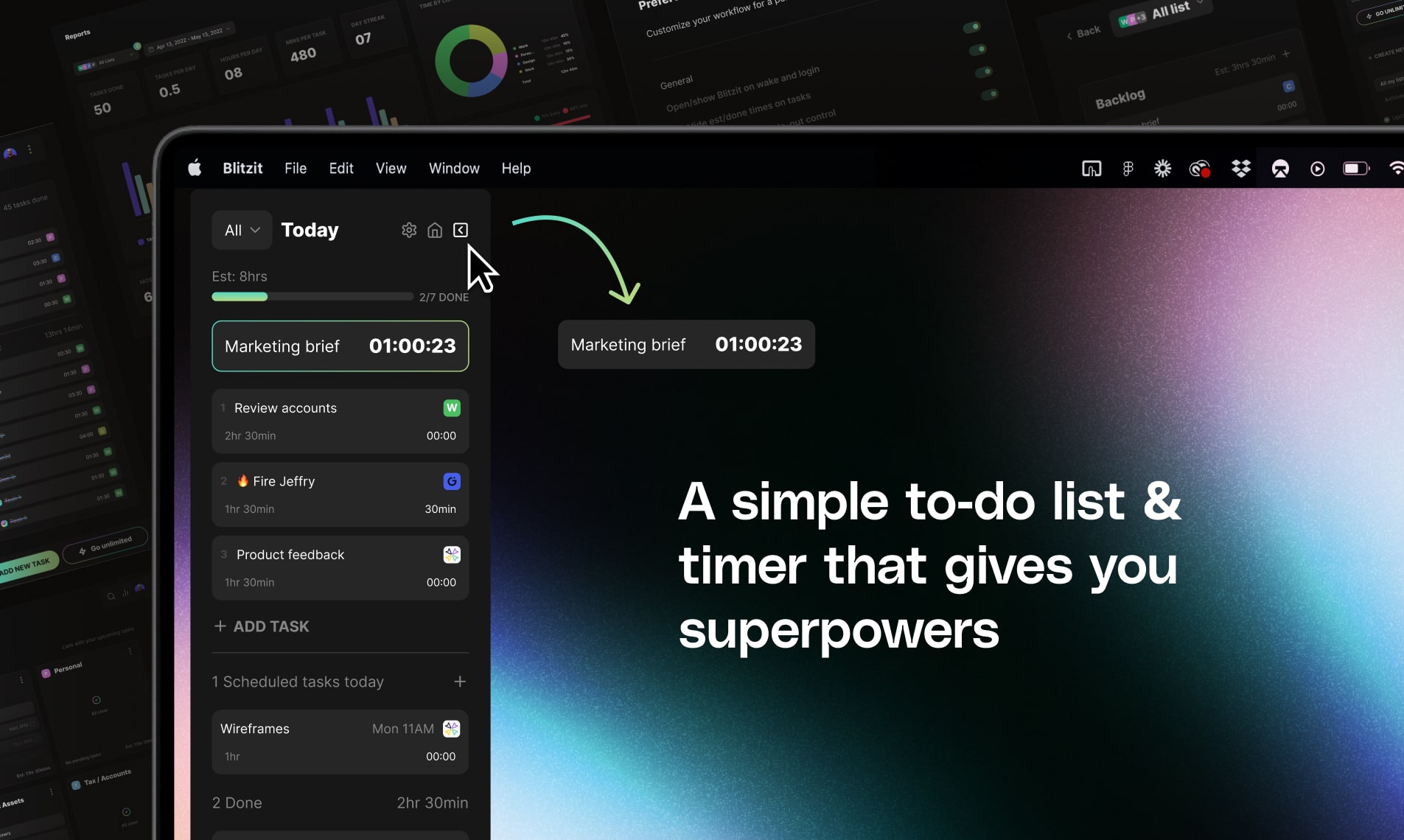
I came across Blitzit at exactly the right time this year, when staying focused felt genuinely difficult. It was a lifeline. Unlike many timer-based apps, it has a really helpful sidebar, as well as a focused task mode that stays out of the way.
To return to the menu analogy, this is what happens after you’ve ordered. There’s no more deciding, just following the courses as they arrive.
I do not use every feature, but the reminder function is particularly helpful. I have it set to nudge me every ten minutes. If you do not get on with timers, this might be annoying. For me, it is just enough pressure to keep momentum without tipping into stress. I also find it fascinating to see how long tasks actually take, rather than how long I think they take.
So there you have it. The to-do apps I currently use throughout my day, each with a very specific role.
One final tip: you need an inbox area for your to-do systems. Somewhere you can dump thoughts quickly without doing the mental work of organising them on the fly. Many apps include this by default, like Things and TickTick, but the idea applies far beyond dedicated to-do software.
This could be:
- A Google Doc used purely as a dumping ground for ideas or meeting notes
- A project or list literally called “Inbox”
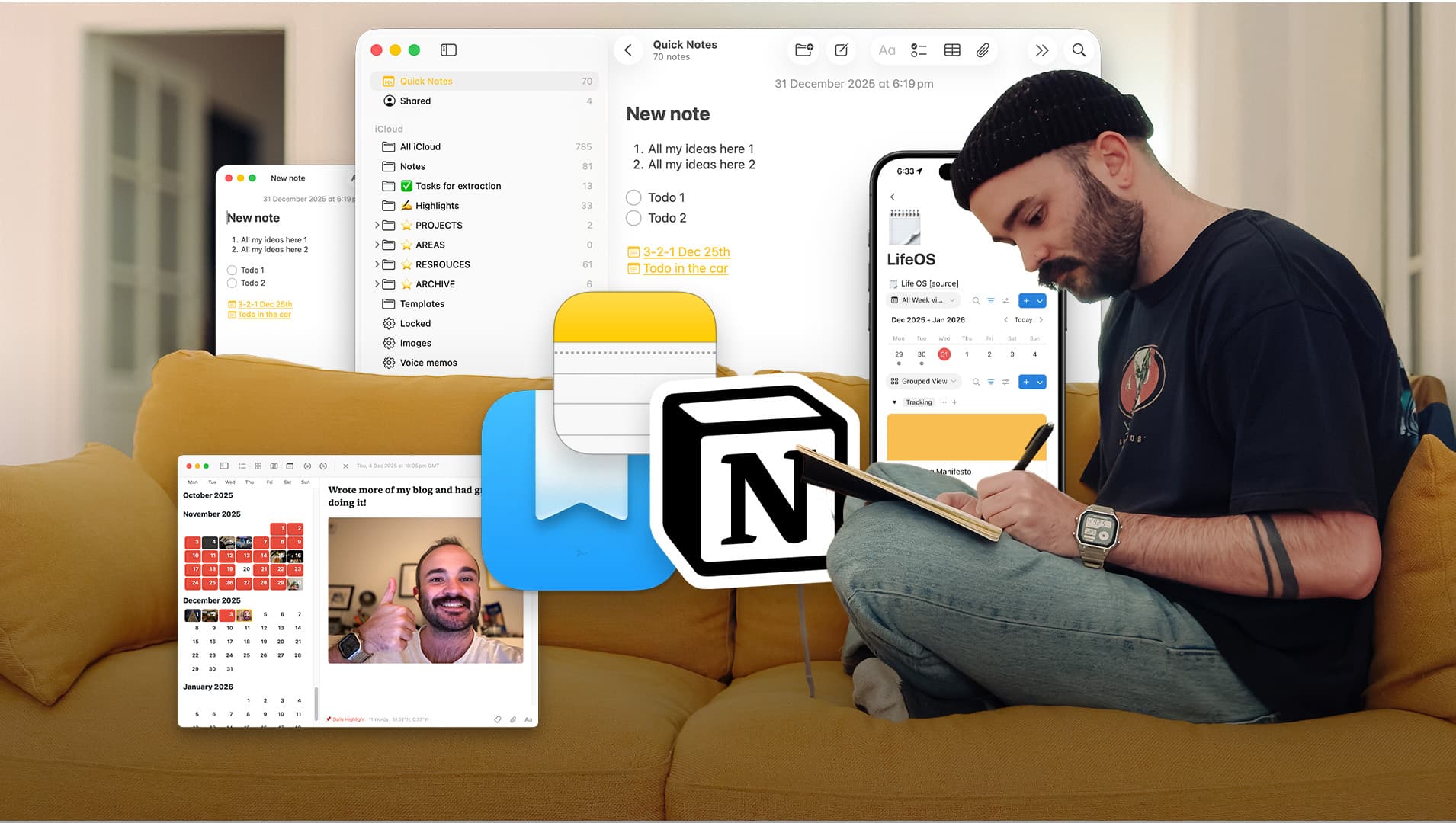
- Apple Quick Notes, which are surprisingly effective for this
Tools do not make you productive. They reduce friction just enough that you actually show up. Speaking of Apple Notes, are you ready for the next stack?
Get ready for Stack 2 → Productivity Stack 2: Notes Apps
See you shortly,
Will